
A Pressure-Free Creative Space
Sprunki Creative Coloring Studio is a free online art activity designed for players of all ages. The core objective is self-expression: you add color to pre-made templates or begin with a blank canvas. What sets it apart is the absence of timers, scores, and competitive elements. The focus stays entirely on enjoyment, making it a practical choice for unwinding after a busy day or spending time with family.
Tools and Coloring Workflow
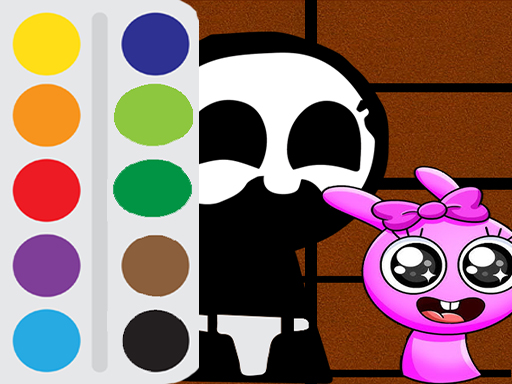
Players start by choosing a template from a selection of outlines or opting for a blank canvas. A color palette on the side of the screen offers a wide variety of shades. After picking a color, you select a brush size that fits your needs—broad strokes for filling large areas or fine tips for detail work. You can click or tap on areas to fill them with color, or use a fill tool to cover larger sections quickly. Special effects such as sparkles or gradients can be applied to add extra flair. If a mistake occurs, an undo button allows for easy correction. Once satisfied, players can save their finished artwork to their device or share it with others.
Designed for Accessibility and Sharing
The interface is simple and intuitive, making it easy for young children to navigate, while the range of available tools and effects keeps older players engaged. No registration is required to start playing. The game works smoothly on computers, tablets, and mobile phones. Finished pieces can be saved or shared easily. There are no in-app purchases or hidden fees, and the environment is described as safe and ad-free, ensuring a focused and pleasant creative session.
Practical Tips for Better Results
Take your time and enjoy the process without rushing. Experiment with different color combinations and effects to discover personal preferences. Use the fill tool for large areas to save time, then switch to a smaller brush for detailed sections. If unsure, begin with a simple template to become familiar with the controls. Save work frequently to avoid losing progress. Most importantly, let creativity guide the experience.









Comments
0 comments