
Two-Player Race to Twenty
Two players share a single screen in Twin Player Item Dash, competing to collect items that appear in midair. Each controls a small character who can run left or right and jump across a flat platform stage. The goal is simple: be the first to bring 20 items to your team's storage chest. Matches last only a few minutes, making it easy to play several rounds in a row.
Controls and Movement
The red player uses the WASD keys, while the blue player uses the arrow keys. Both characters can jump and move horizontally on the stage. Items float down from above at random positions, so players must constantly adjust their location and time their jumps to snatch items before the opponent. The controls are responsive and straightforward, allowing newcomers to join without a lengthy tutorial.
Visual Style and Feedback
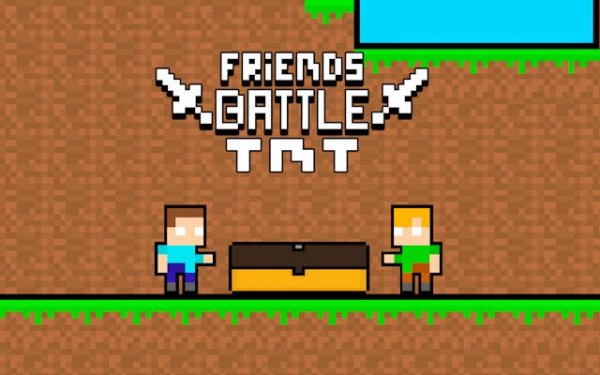
The game uses a retro pixel art style with bright, clear colors that make characters and items easy to distinguish. The background remains static, keeping attention on the action. Each item appears as a small, colorful bundle, and the team chests are marked with red and blue flags. This visual design supports quick recognition during fast-paced play.
Round Structure and Win Condition
Each match continues until one player reaches 20 collected items. There are no power-ups or special abilities, so success depends entirely on positioning and reaction time. Items appear one at a time, and after each collection, a new item spawns after a brief pause. This steady rhythm keeps both players engaged throughout the short match.
Designed for Local Competition
Twin Player Item Dash is built exclusively for two players on the same device. There is no single-player mode or online matchmaking. This setup encourages face-to-face competition, making it a good choice for casual gatherings or quick breaks between other activities. The shared screen means both players can see each other's movements at all times, adding a layer of strategy as you try to predict where your opponent will go.




Comments
0 comments