
What Children Actually Do
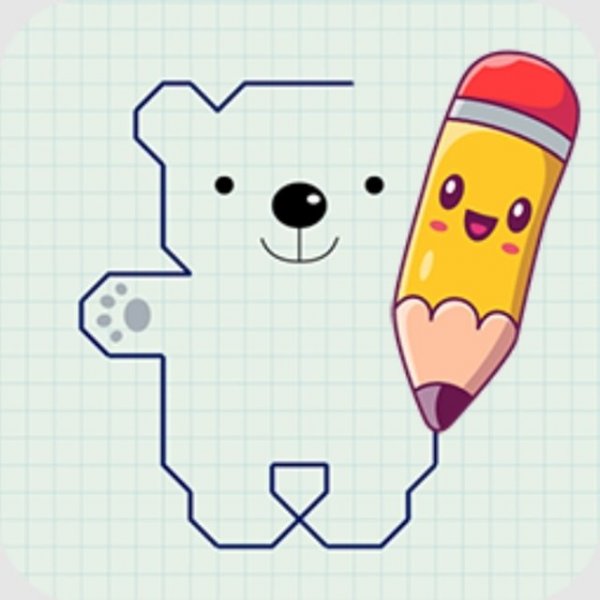
Each session starts with a choice: the child picks an animal icon from the available options. The drawing screen then opens with part of the animal already in place on a checkered sheet. Simple text instructions at the bottom of the screen tell the child what to add next. Using a mouse or touch input, the child draws lines and shapes until the picture is finished. No reading ability is needed, so the game suits very young learners.
How the Grid Supports Accuracy
The checkered sheet is not decoration. It gives children a visual reference for proportion and placement, which matters when they are still learning to judge distance and scale. Following the sequence also trains careful observation: the child must look at what is already there before deciding where the next line goes. That loop of look, compare, and draw is what builds fine motor control over time.
Device Access and Focused Play
The game runs on computers, phones, and tablets, so a child can practice at home or while traveling. A full-screen mode is available for a more focused experience, which reduces on-screen distractions and keeps attention on the drawing area. Because the interface relies on simple icons and short instructions, children can move through the steps without an adult reading every line aloud.
Choosing Animals and Building Confidence
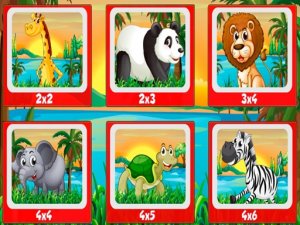
The animal selection screen lets children decide what to draw, which gives them a sense of control over the activity. Starting with simpler animals and moving to more complex ones is a practical way to build confidence. The game contains no inappropriate content, making it a straightforward option for parents and teachers looking for a safe, structured creative activity.






Comments
0 comments